Interactive concept map guide
Romeo and Juliet as a concept map
What this mapping software can do for you and how to use it

This page explains what SortYourThoughts can do for you. At the bottom, there's a link to the actual map.
The idea behind a concept map is to make information more accessible and therefore easier to understand.
A play, just like a movie or novel, is a linear representation of activities.
But other structures exist, which our brains have to work out, learn and understand.
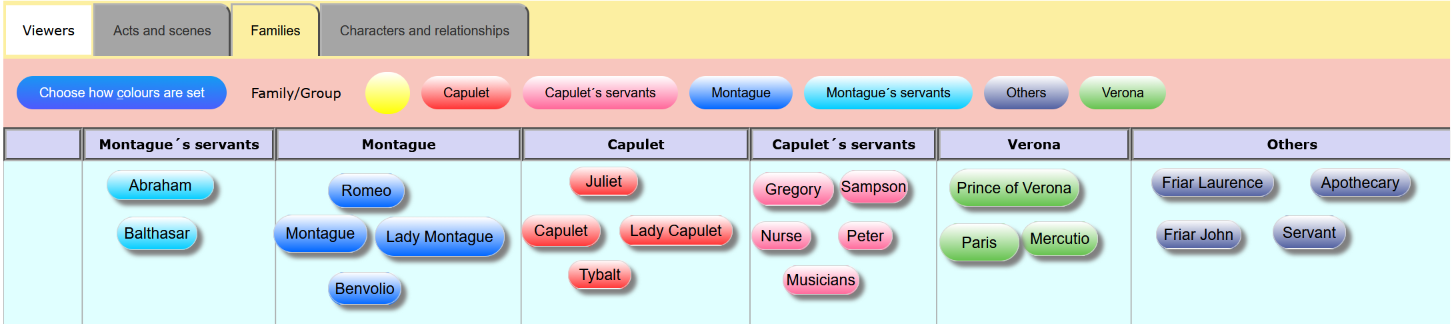
For instance, we could ask ourselves when Juliet is doing something on stage. Or which roles belong to which families?
Or what are the main scenes in this play?
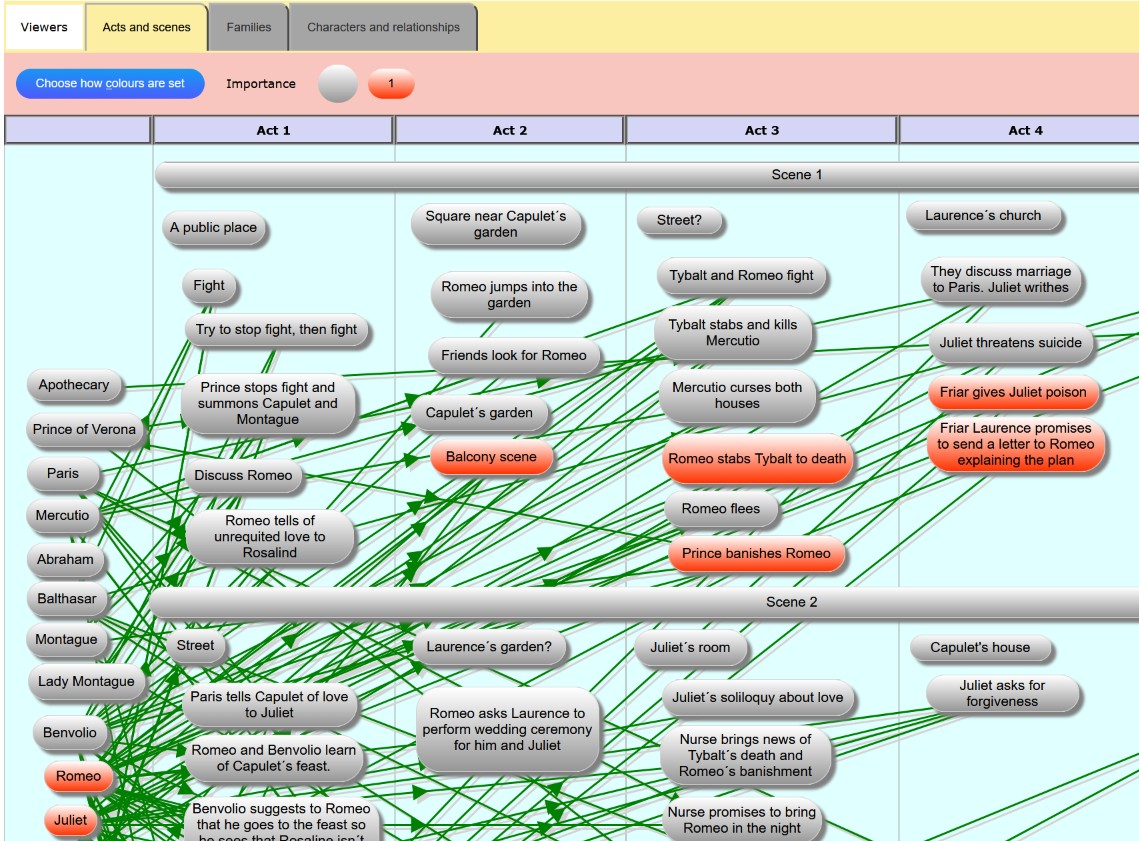
Here's one visualisation of the whole play with a LOT of information. Yes, it's a mess.
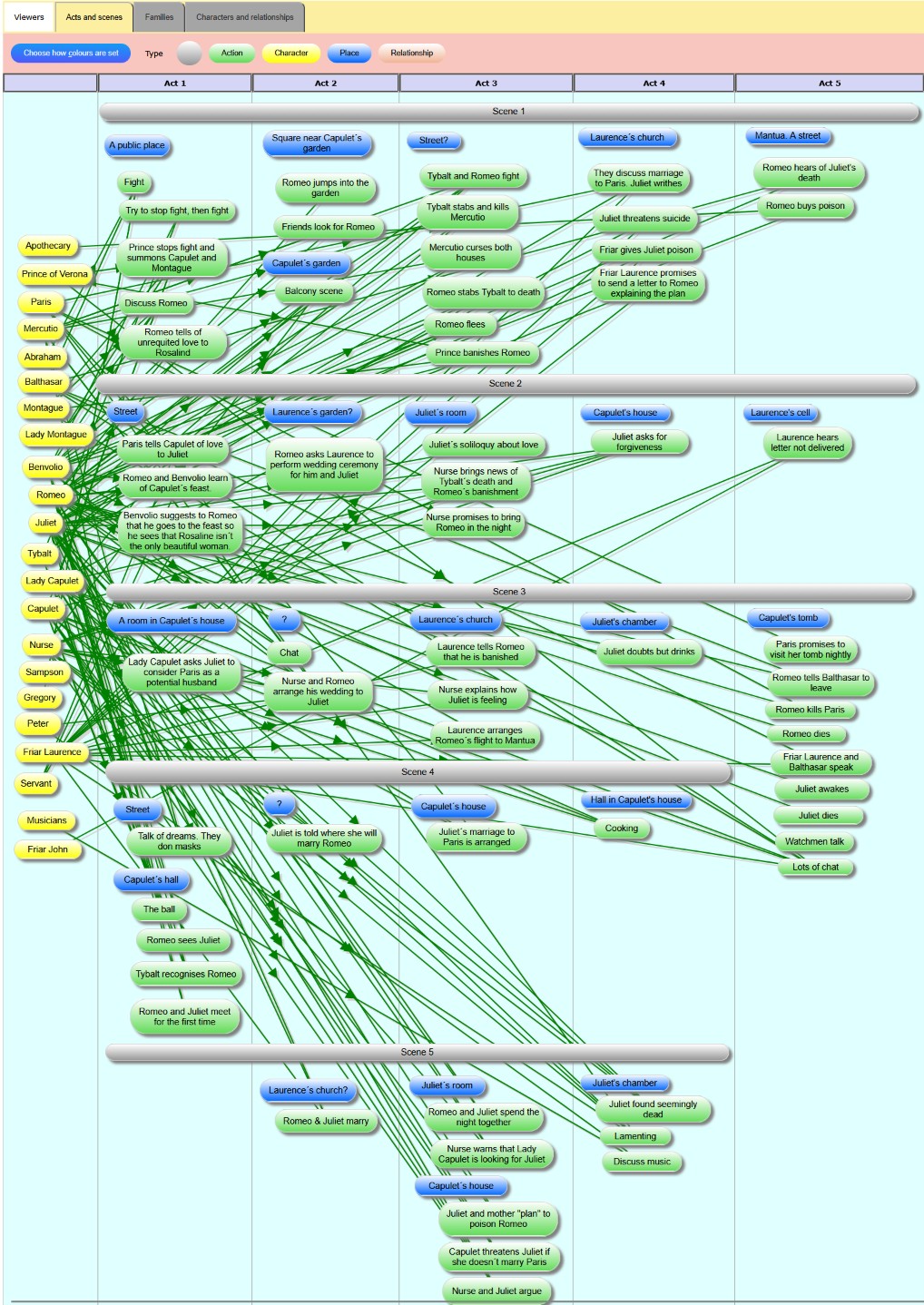
Obviously, this is far too much information to understand, but the map gives us a basic overview of the play.
The characters are listed on the left, and all the major actions are in a grid. The play has 5 acts and up to 5 scenes per act.
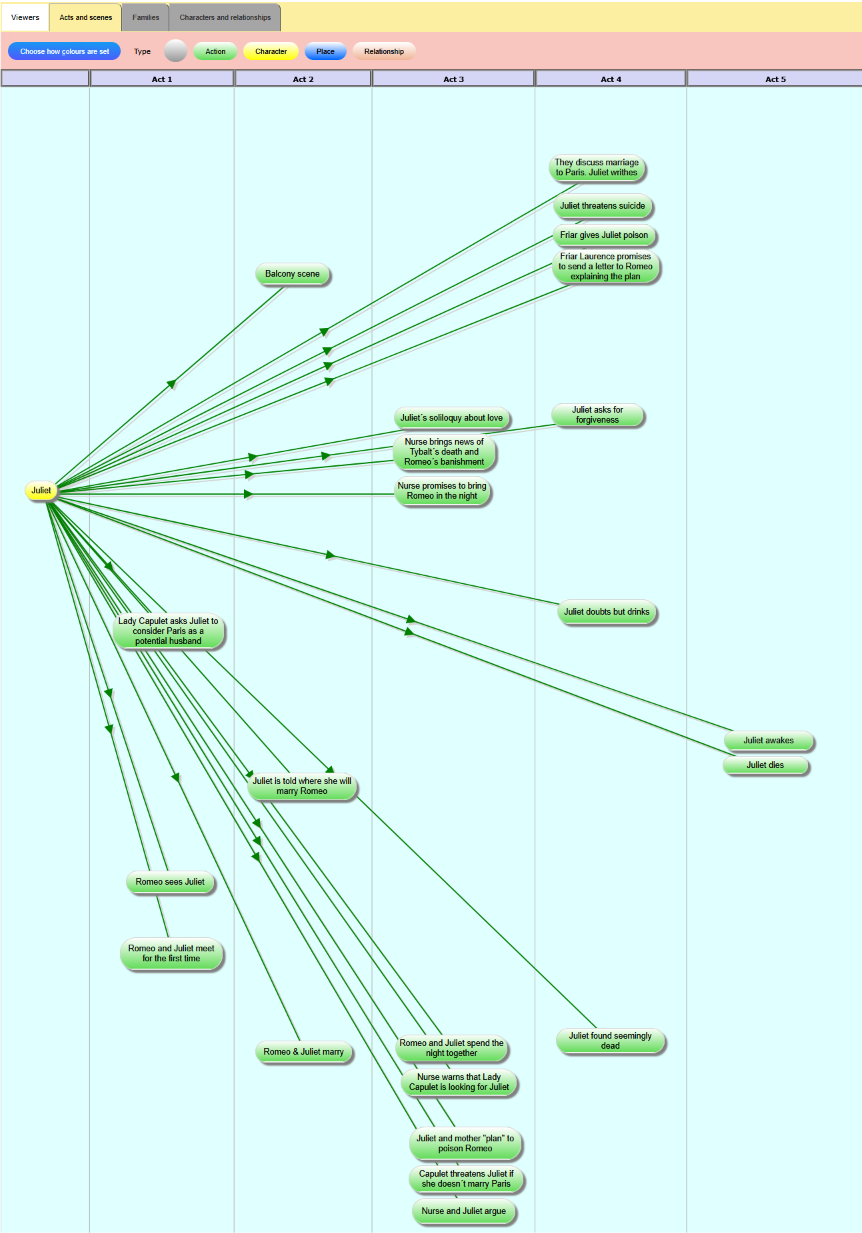
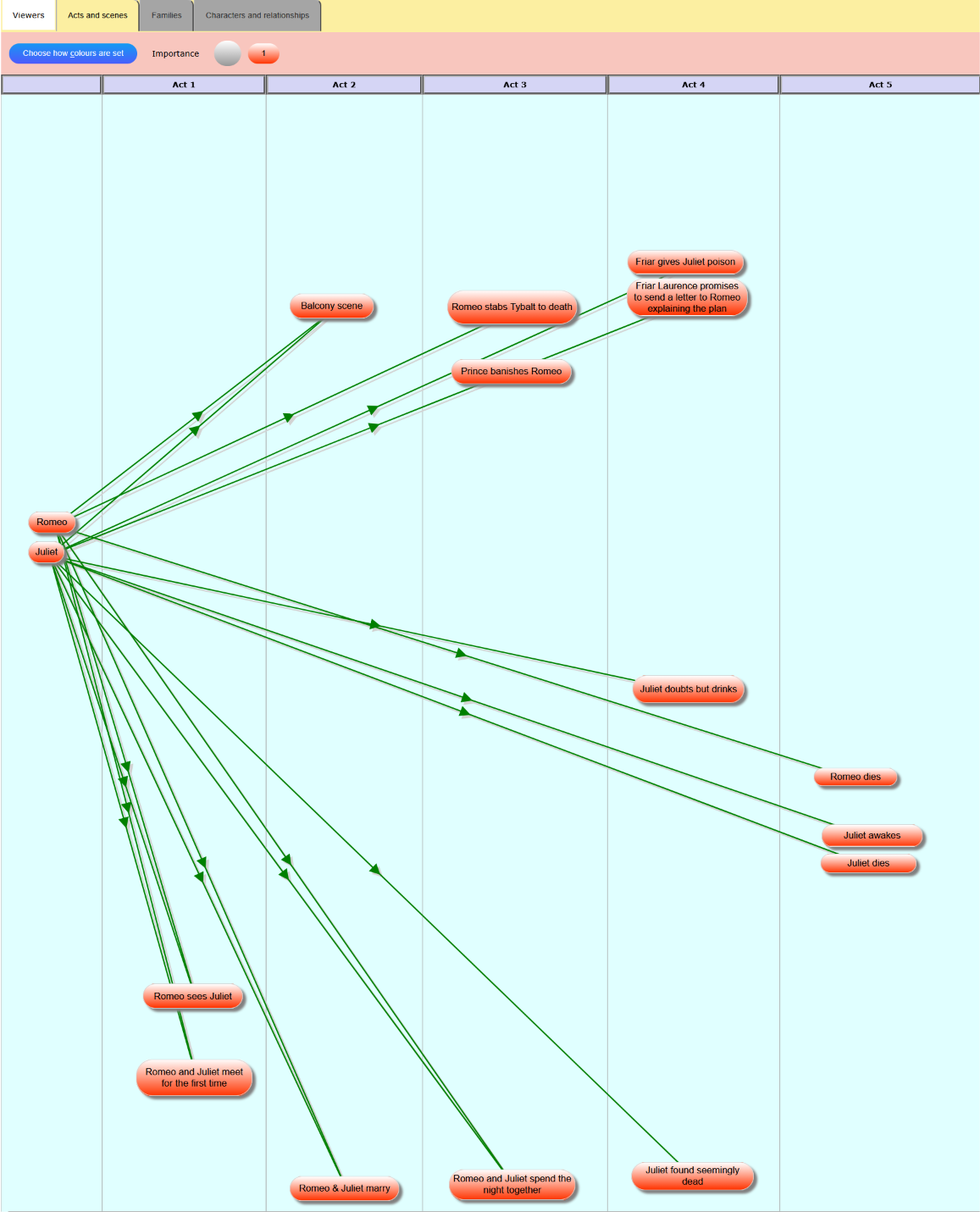
SortYourThoughts can reduce the mess by limiting what you see. This view shows us only the scenes in which Juliet is active on stage:
Another part of understanding the play is to know the family structures:
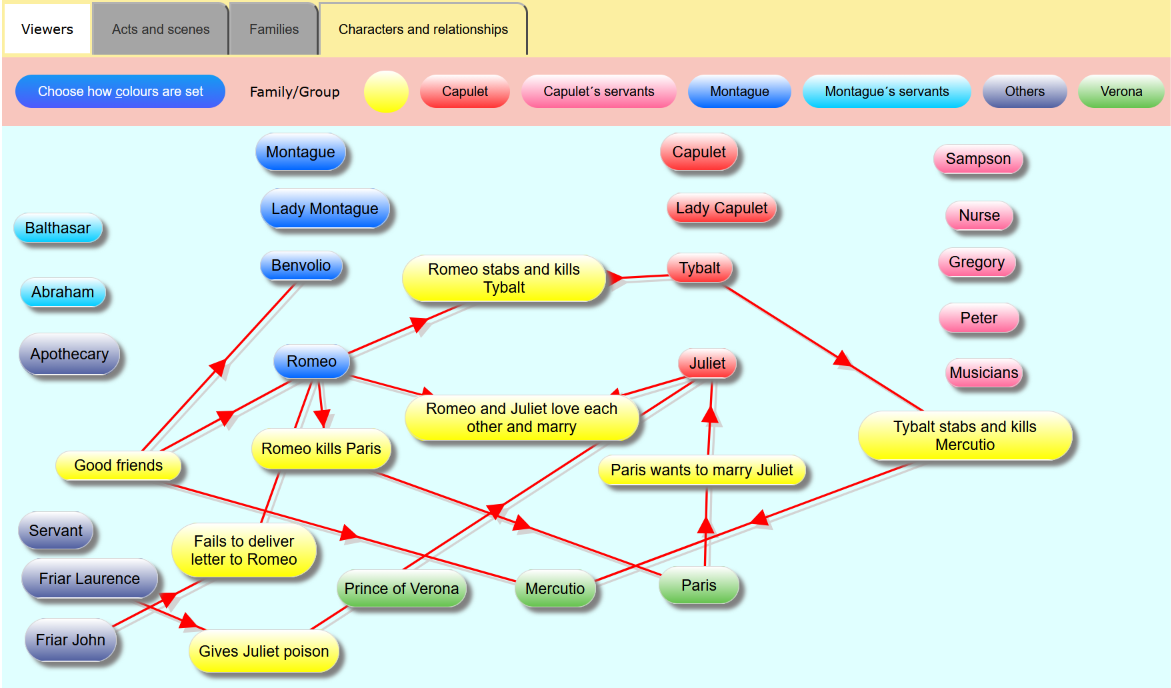
Or their relationships with the major interactions:
Another way to understand the play better is to use colours. Here, the most important scenes are red:
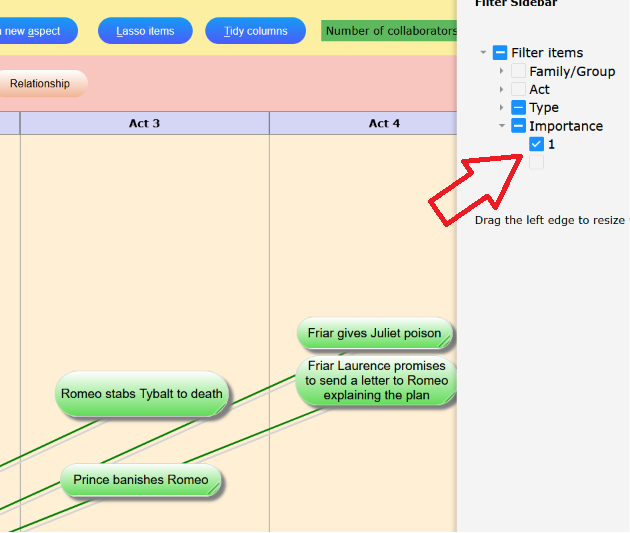
Or you can filter the items you want to see:
Before you use the actual map, here are the tools used in the steps listed above.
When you click on the button below, the actual map should open in a separate browser tab.
So can switch between the instructions below and the map. Or, if your screen is large enough, you could move the tab containing the map into a separate window and view them next to each other.
-
Click on an item (e.g. "Juliet"). Click the top part of the popup:
All the items disappear which are NOT linked to Juliet, i.e. scenes where she is off stage.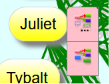
-
To see all items again, click any item and then the bottom part of the popup.
-
To switch "Viewer", click one of the grey tabs:
A fundamental capability of SortYourThoughts is that all Viewers show you the same information. But some items are hidden in some Viewers.
-
Choose how the colours are determined:
Click on the blue button "Choose how colours are set" and select one of the "aspects" in the dropdown list.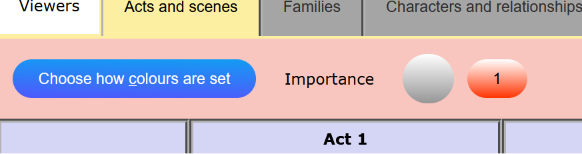
-
The vertical "Filter" button on the right of your screen allows you to change which items are shown:
Ready to explore the map yourself?
View the actual Romeo & Juliet concept mapSortYourThoughts allows you to see structures in movies etc. which you would otherwise have to work out yourself. It saves you time and effort. And every time we work or think, we can make mistakes.
So, be kind to your mind by visualising your information. And store it in the cloud where you can always access it.
Inputting data to SortYourThoughts helps you to process, understand and learn.
Of course, you can plan your own novel, play or movie using SortYourThoughts.
Then it's more like a project, so please hop to the page explaining other capabilities of the software: Planning a project
Enjoy!
All content is presented as is and may not be 100% accurate or complete. If you find any inaccuracies, please email us.